
Demo store reference
This page shows how the Kyoto demo store is put together, so you can rebuild any part of it in your own store. Every picture is a section of the demo's home page, in order. When you install Kyoto you get the same sections in the same order; the demo's own photos, products and words are not copied (see Getting started).
Home page
1. Interlocking hero
A three-line headline that passes in front of and behind a cut-out object on a pale color field. The cut-out is a transparent .png (Cut-out pictures).
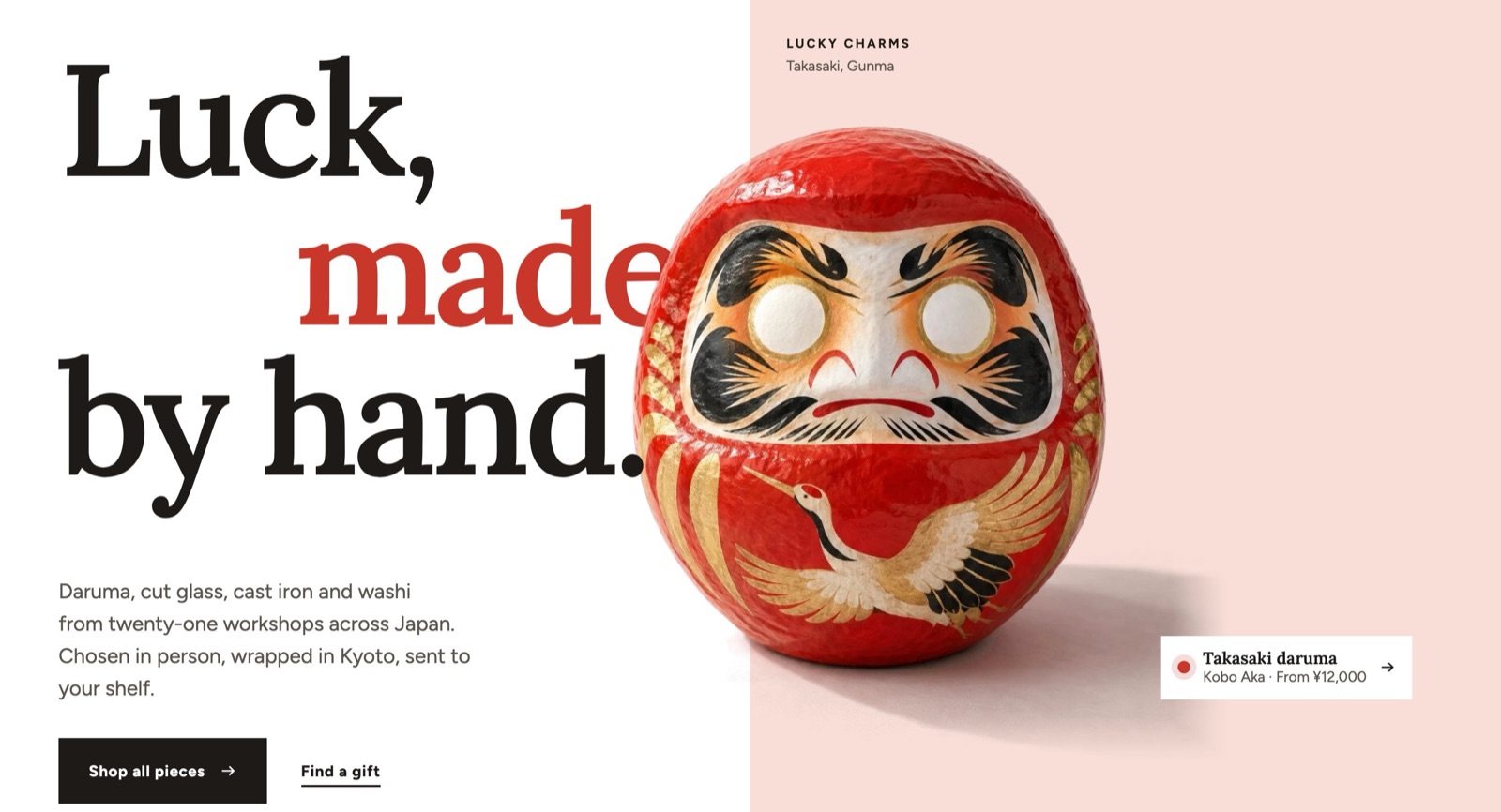
All settings: Interlocking hero.
2. Marquee
Craft names with small cut-out pictures, in two bands moving in opposite directions. Shoppers can pause it with the button in the corner.
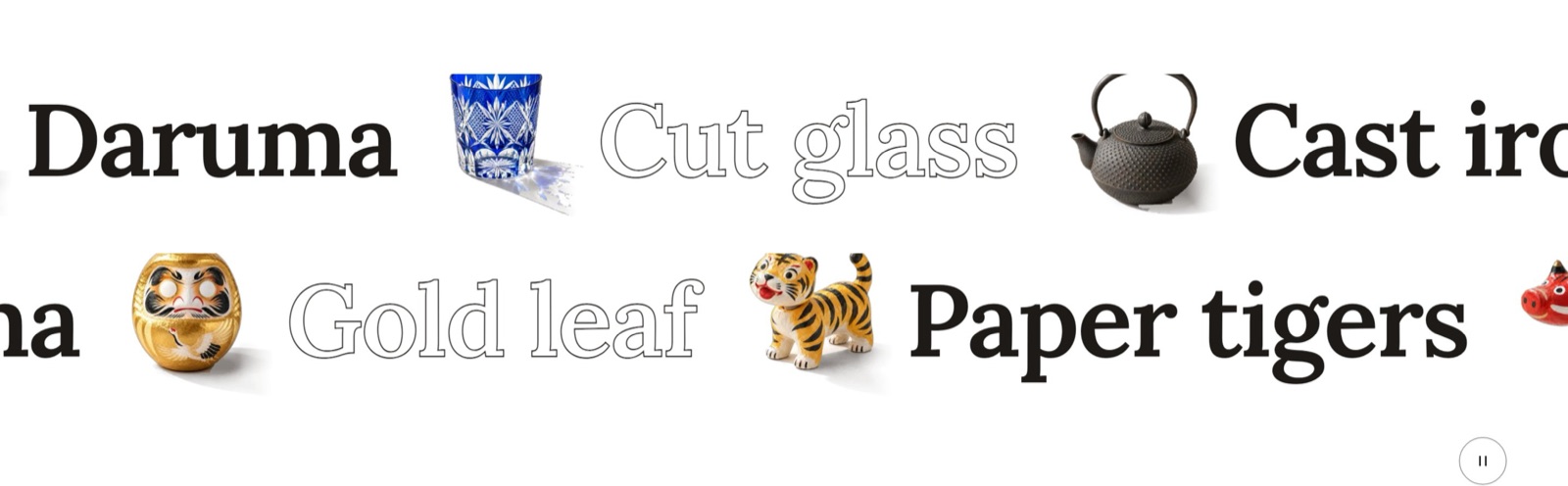
All settings: Marquee.
3. Collection list (color fields)
Six collections, each on its own pale craft color with a cut-out object. Added from the ready-made version Collection list: color fields.
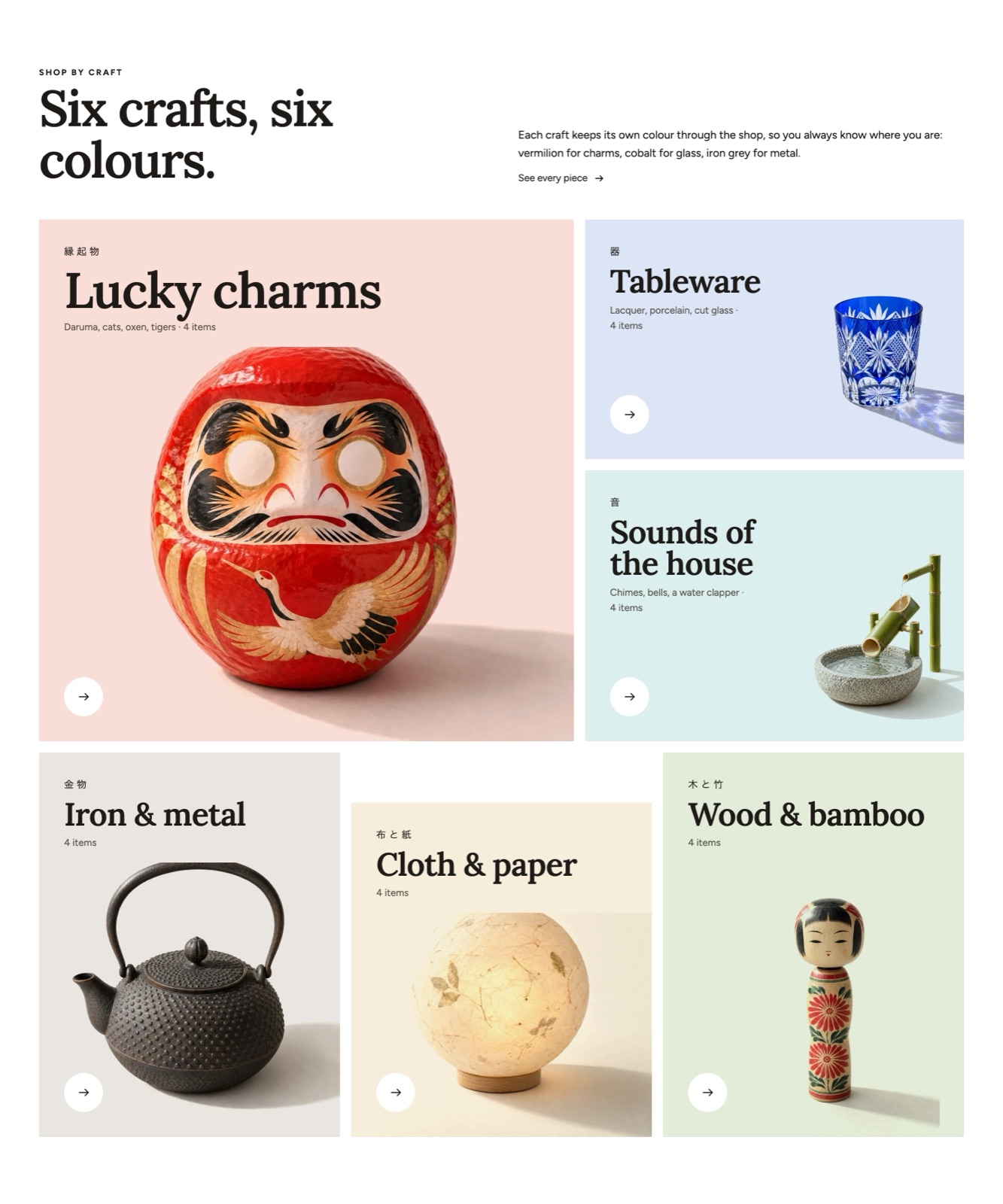
All settings: Collection list.
4. Product shelf
Bestsellers standing on one long shelf. On wide screens the shelf moves sideways as the page scrolls and the background takes the color of the piece in the middle. The products use the custom.cutout metafield (Metafields).
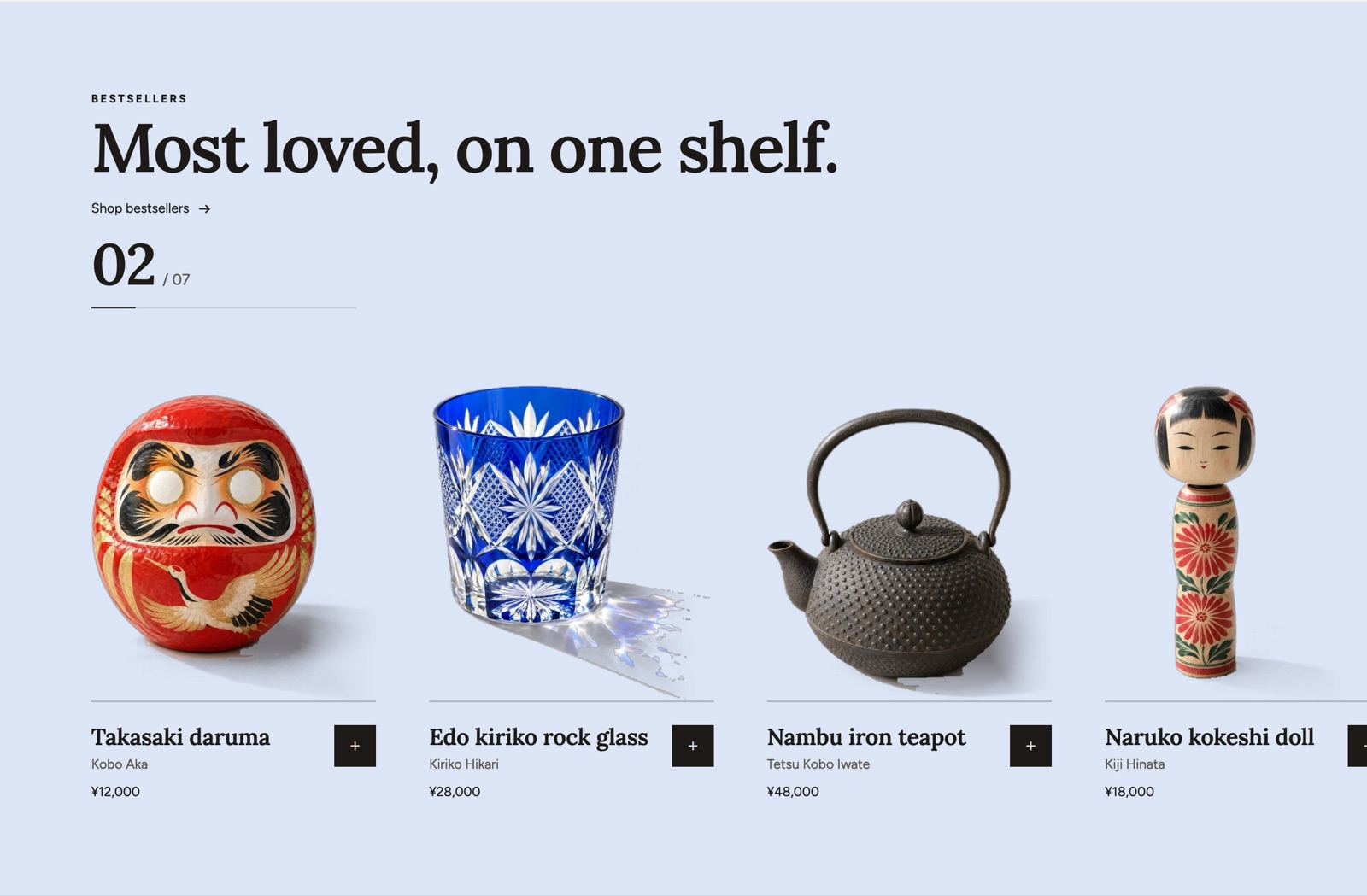
All settings: Product shelf.
5. Featured product
One product with its gallery, price, variant picker and add to cart button, so shoppers can buy without leaving the home page.
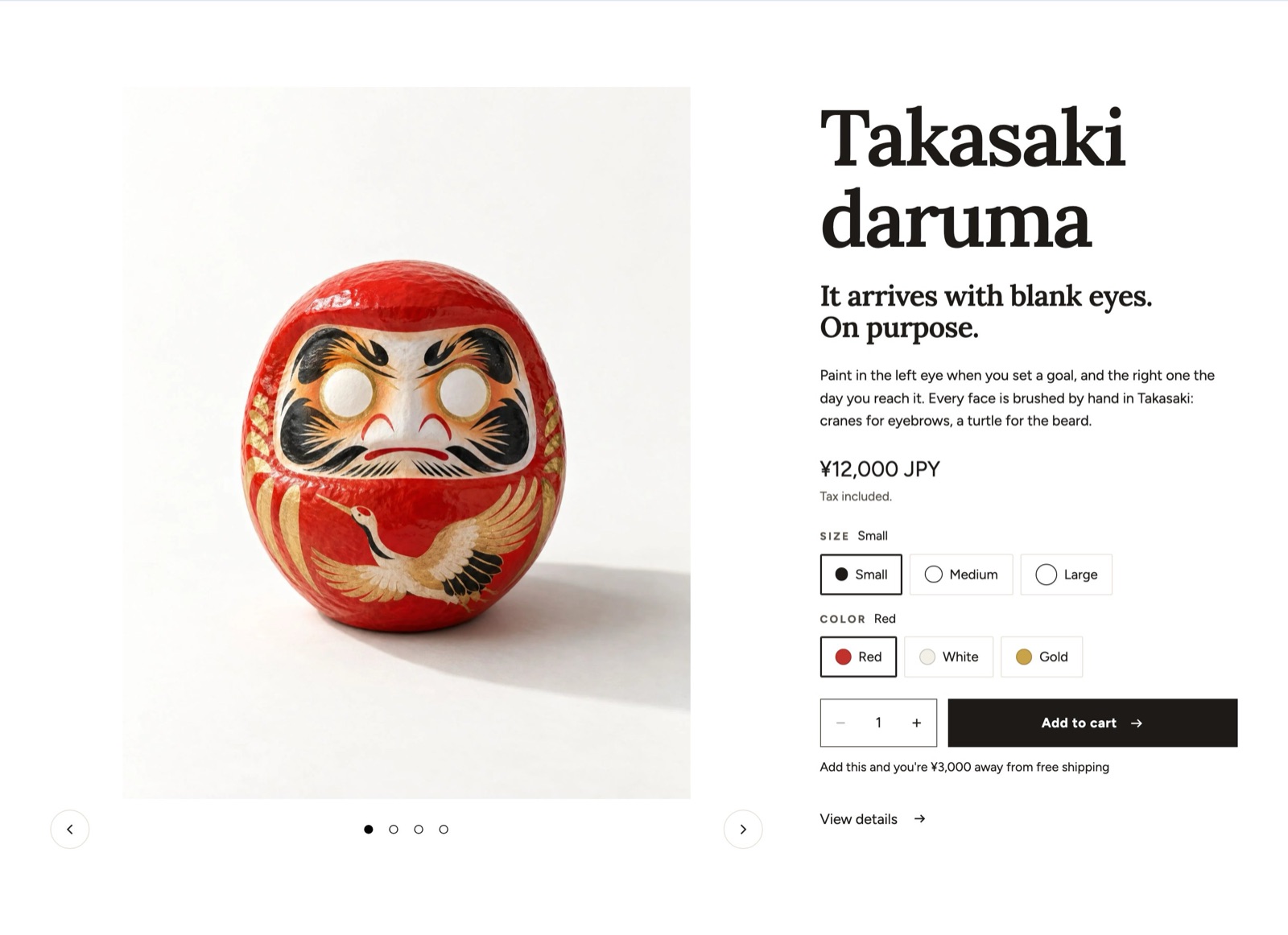
All settings: Featured product.
6. Statistics
Four numbers about the shop, each in its own accent color.
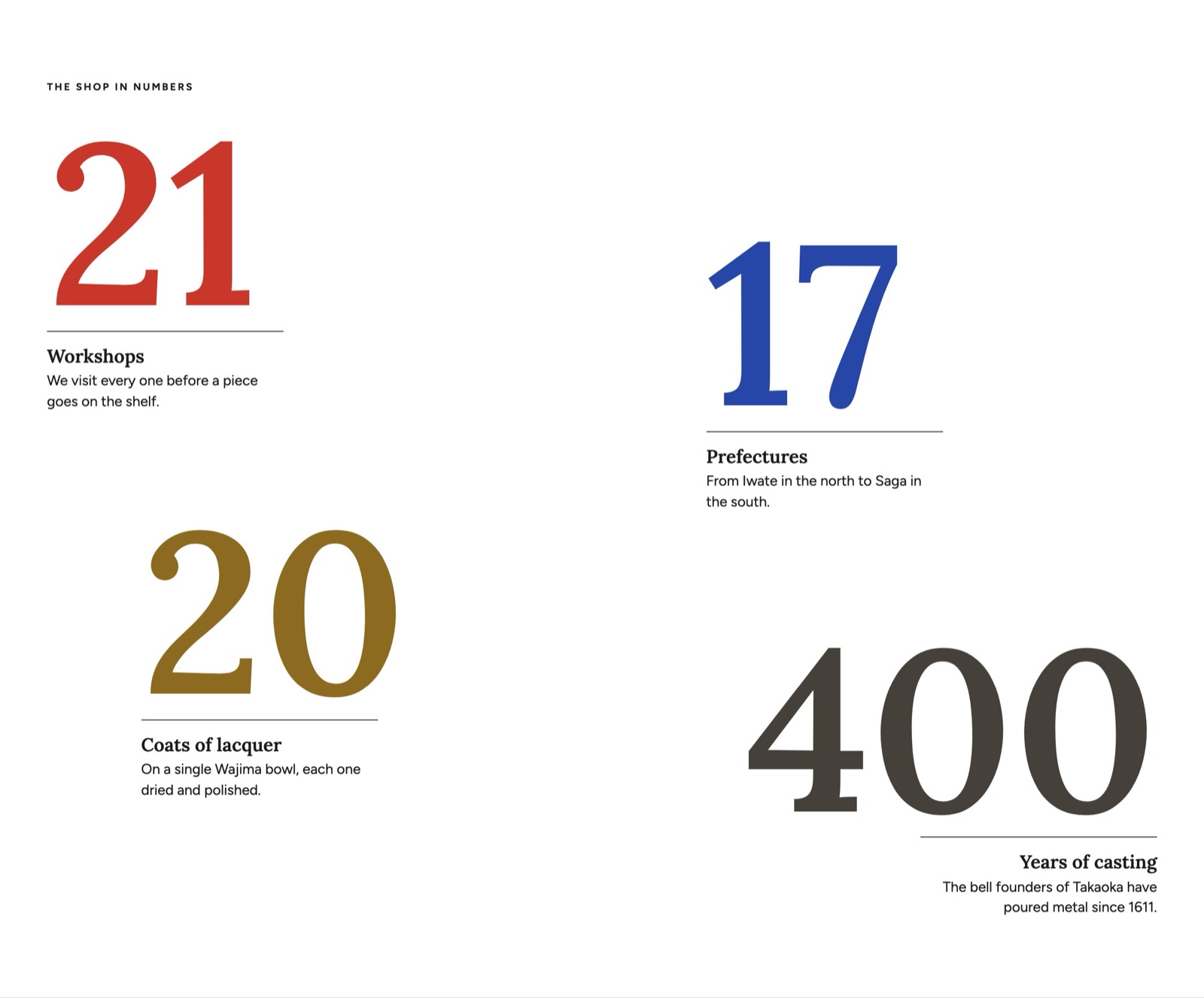
All settings: Statistics.
7. Stacked cards
One card per workshop, with a photo, a quote and facts. The cards pile up as the page scrolls.
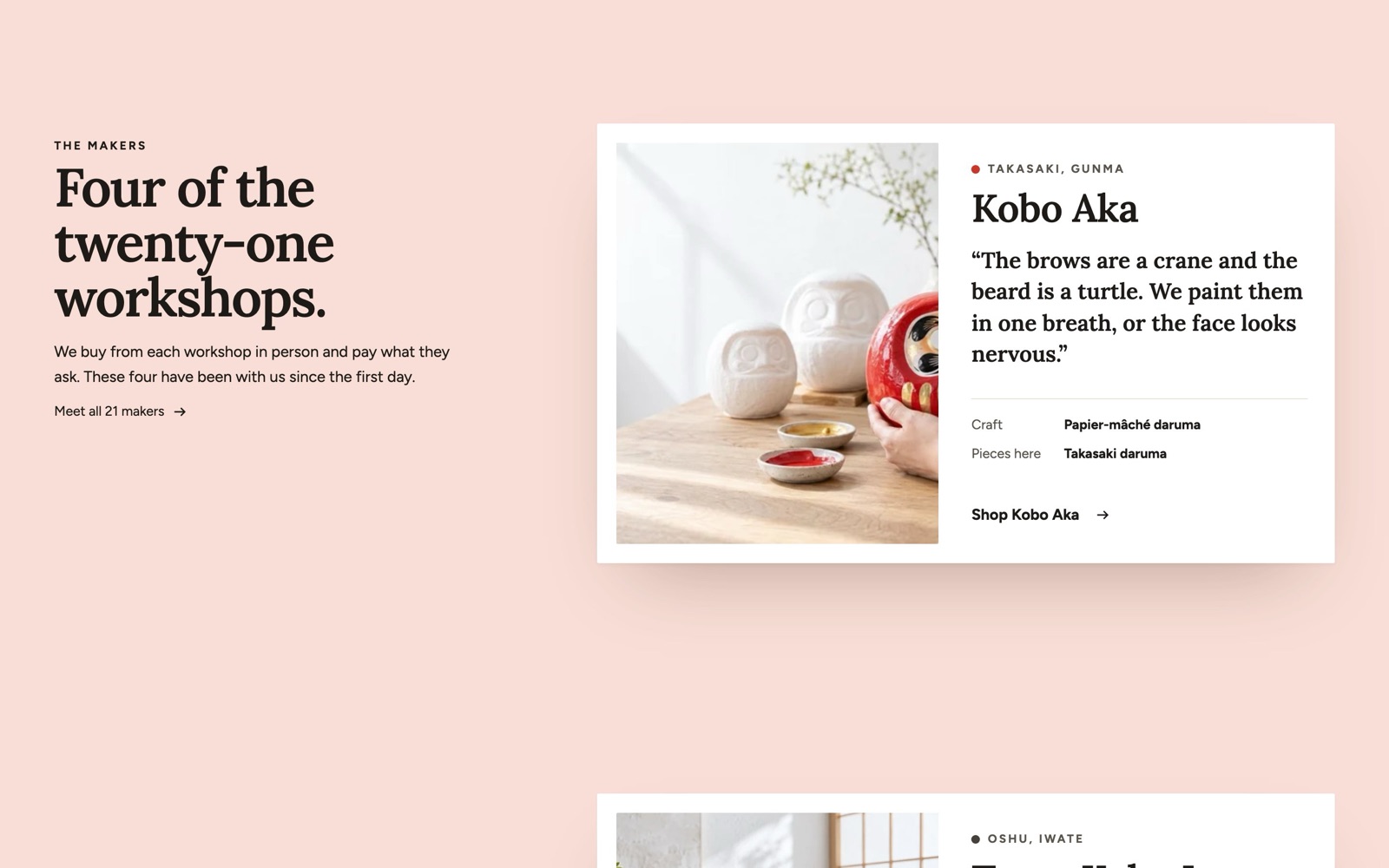
All settings: Stacked cards.
8. Timeline
Four numbered steps from the workshop to the customer's door, each with a photo.
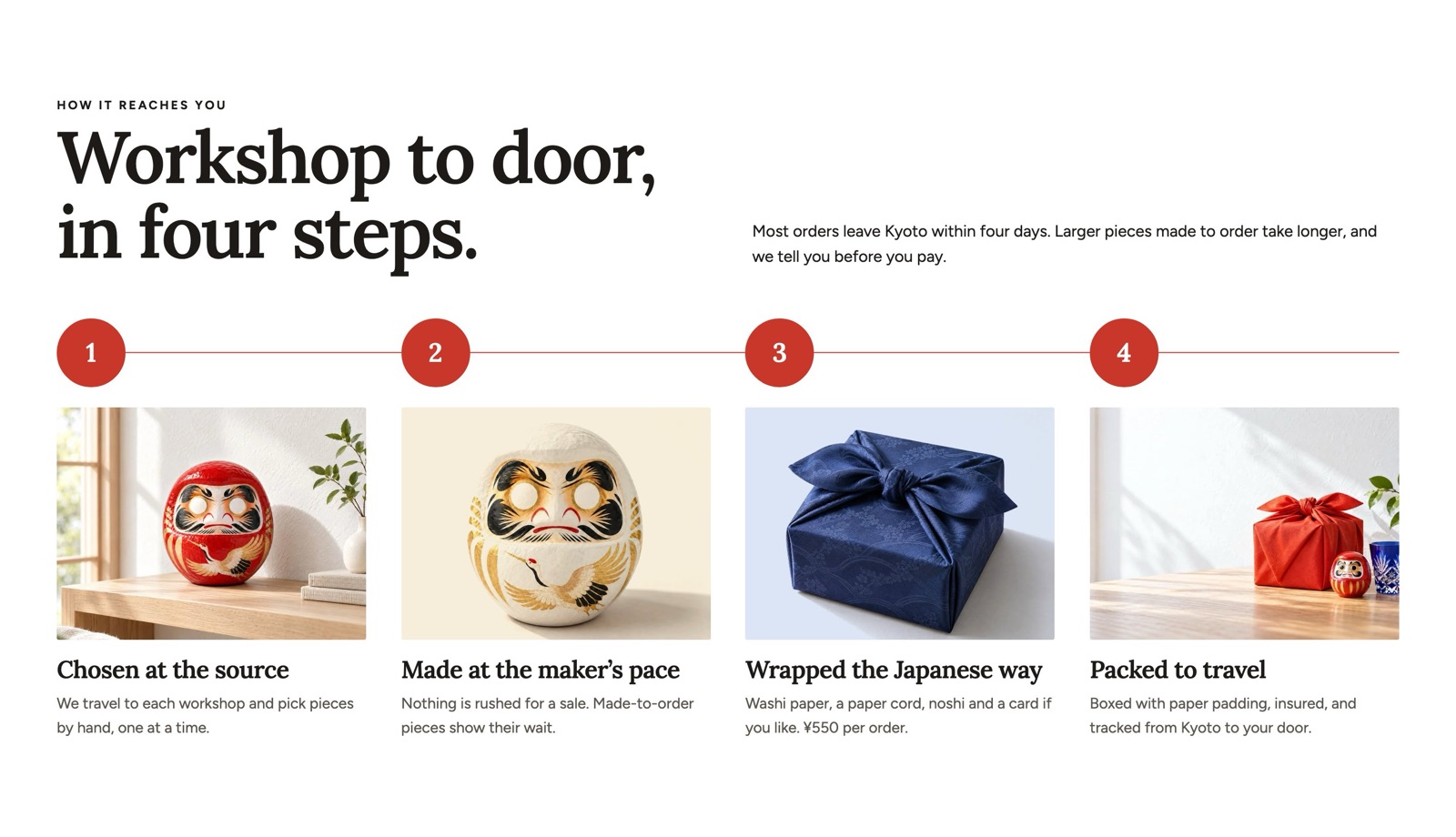
All settings: Timeline.
9. Gift guide
A gift wrap feature beside three budget tiles. Each tile has a price line, a short text, a link and a cut-out object on its own color.
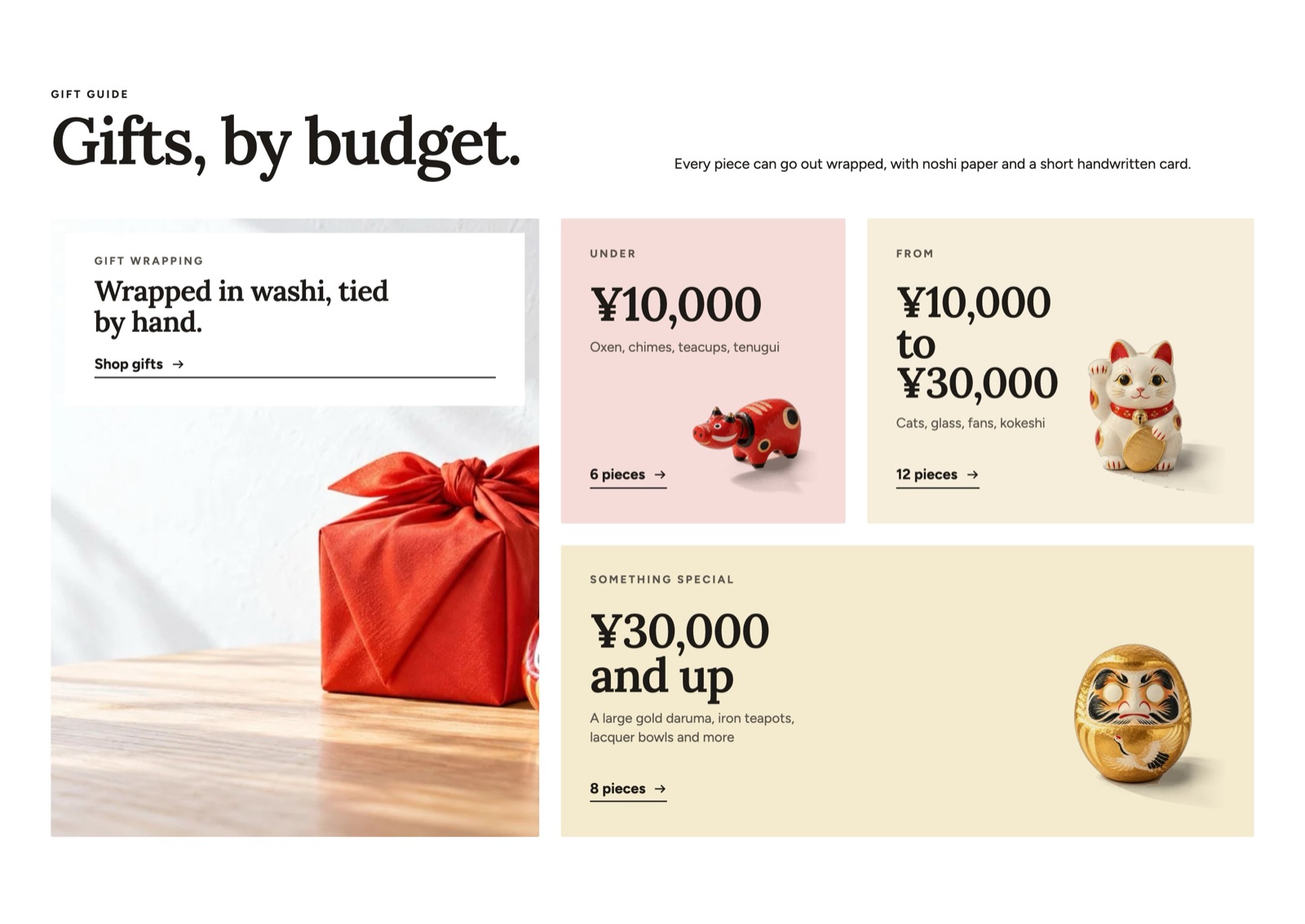
All settings: Gift guide.
10. Testimonials
Three customer quotes, each with the product they bought on a pale color.
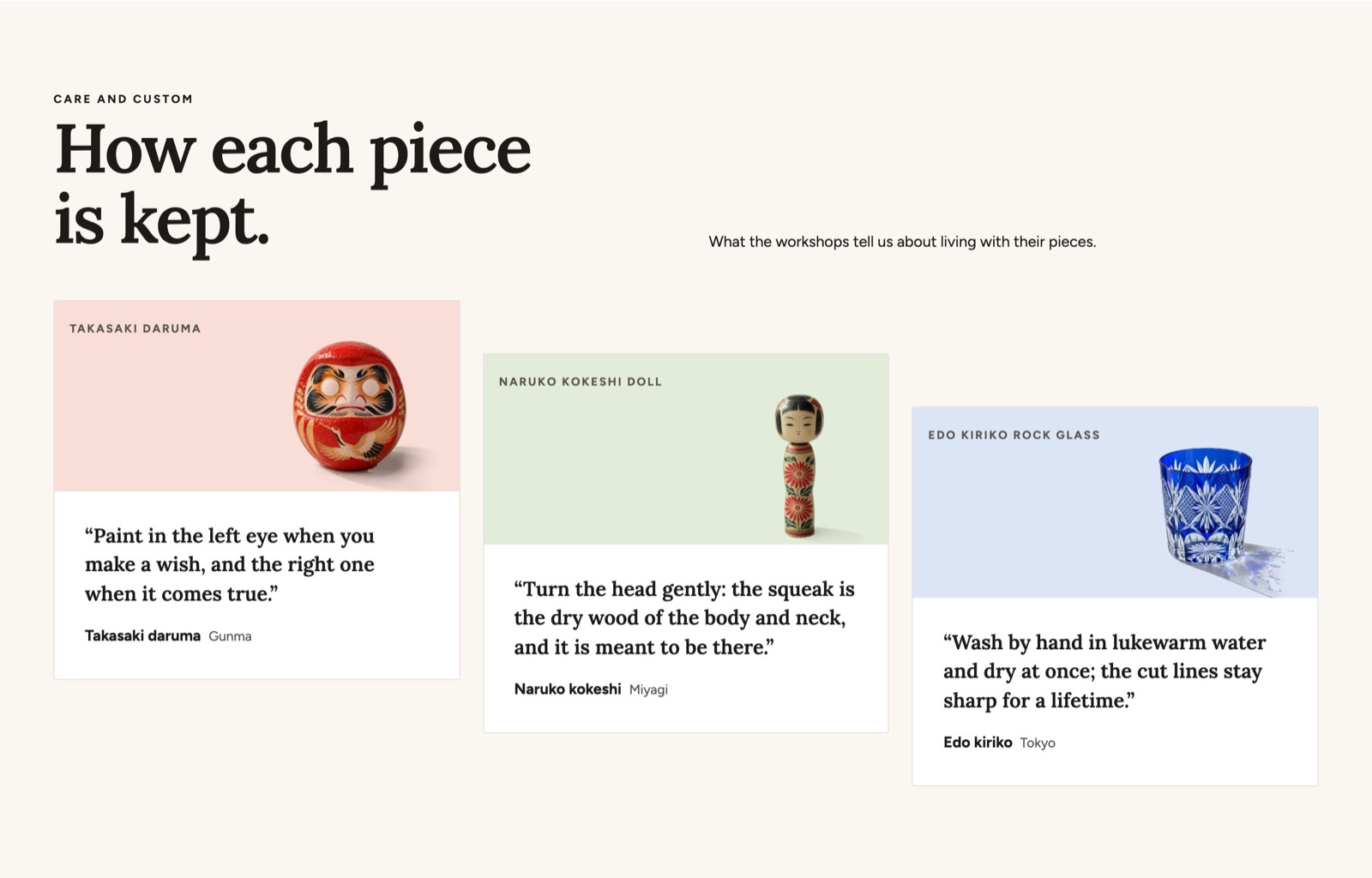
All settings: Testimonials.
11. Blog posts
The latest posts of the journal: one large article and smaller ones beside it.
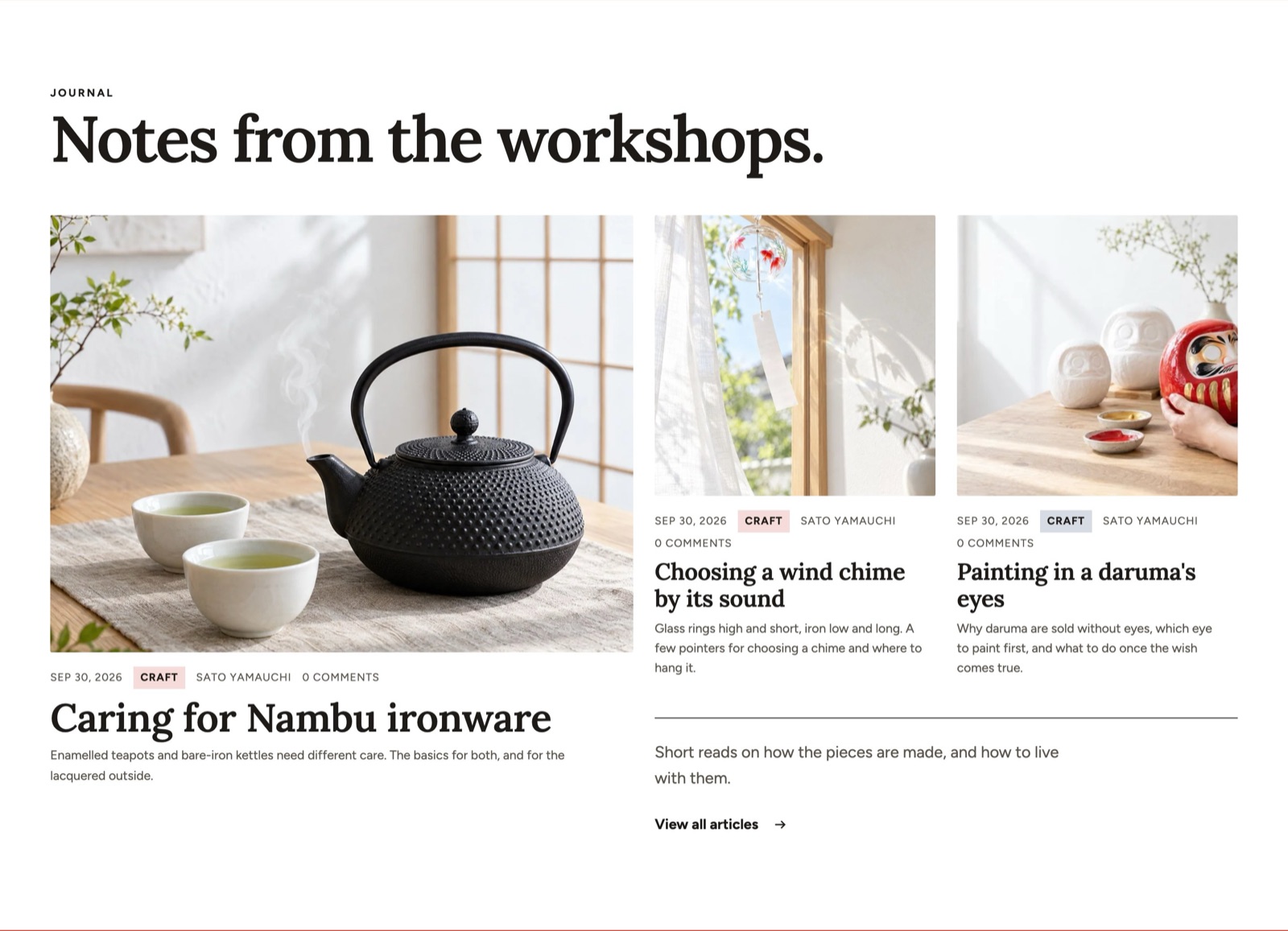
All settings: Blog posts.
12. Closing band
A vermilion band at the end of the page with an email signup and three objects rising from the bottom edge.
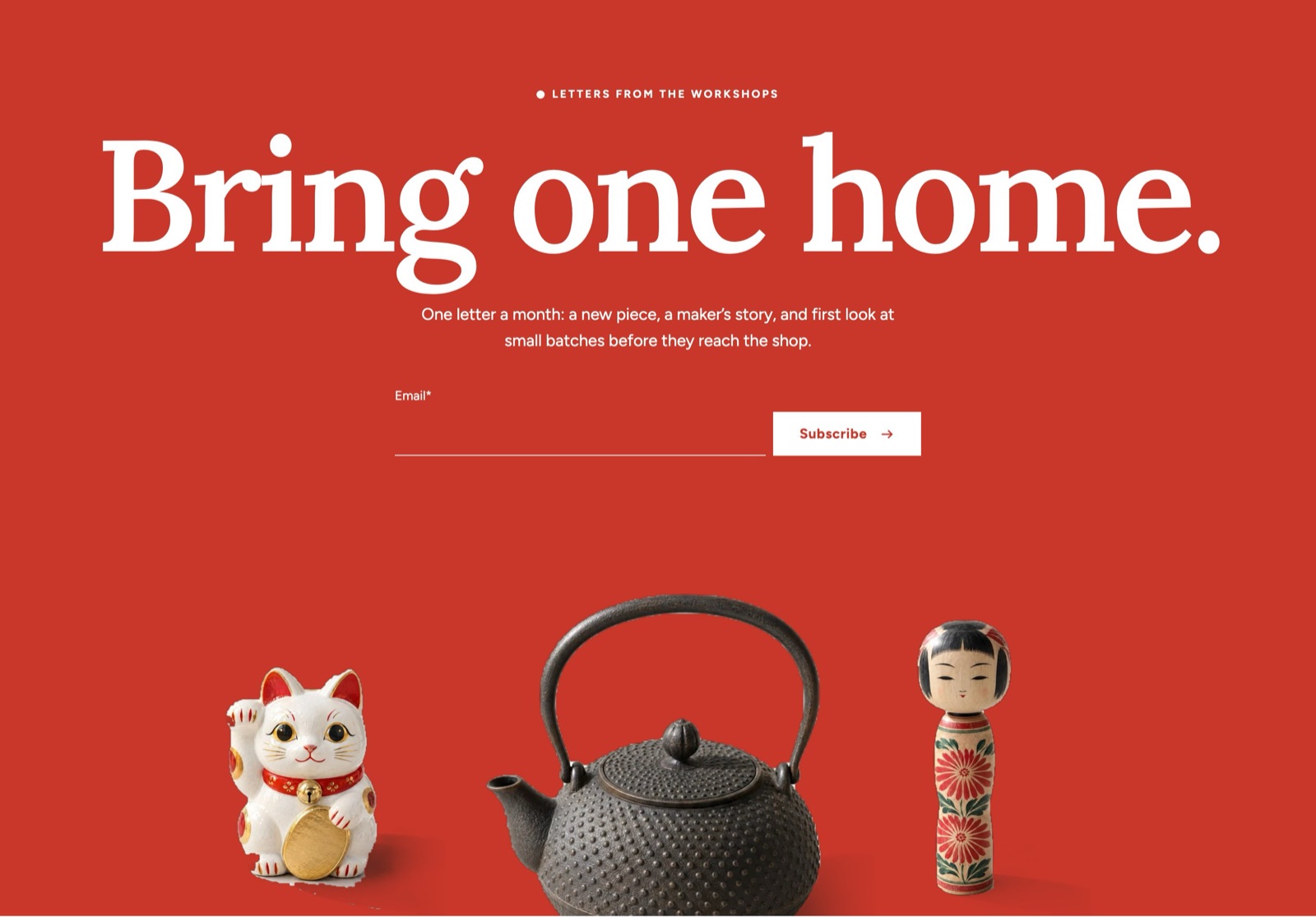
All settings: Closing band.
Other pages
| Page | How the demo is set up |
|---|---|
| Header | Logo left, menu center; the header hides when shoppers scroll down and returns when they scroll up. Above it, the Announcement bar shows the free shipping progress and a shop news line. |
| Product page | Gallery style: Color field stage, with a Size ruler beside the photo. See Product page. |
| Collection page | The Collection banner set to Color field with a shelf, and the product grid with First product large (2 × 2) and a promo tile. See Collection page. |
| Cart | A cart drawer with free shipping progress, gift wrap and a gift message. The cart page also asks for noshi and a requested delivery date. See Cart. |
| Footer | Two menu columns, the email signup and the large shop name. See Header and footer. |